Download POIbase free now!
|
Step 1: Install POIbase onto your PC by following the installation procedure. |
|
Important! Some firewalls might display an alert during the installation process. This alert is, however, erroneous and can be ignored.
Please continue.
|
Step 2: Now connect your sat-nav to your PC with a USB cable or insert your SD card into your PC. |
Step 3:
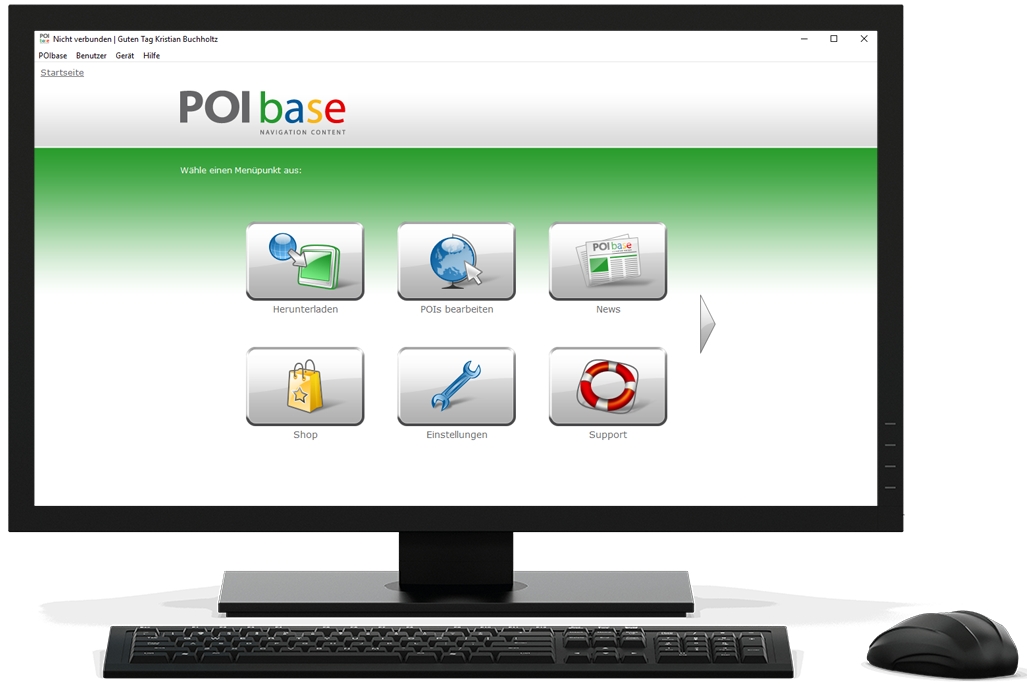
Following the successful installation, you will find a POIbase icon/button on your computer. Please double-click this and register. You will then receive an email and will be ready to use the software – done! Have fun and welcome, from the POIbase Team
By the way: You can download POIbase not only from us, but also from our partner portals.
|
|
|
|
|
|
|
|
|